00 / feature index
What VeriPDF does today
One native binary that renders, annotates, seals, and verifies — entirely on your machine. Everything below ships in the current build unless it carries a coming soon chip.
VeriPDF 1.1 · early access · Windows / macOS / Linux
01 / audit trail
A sealed PDF proves its own history
Sealing starts a hash chain inside the document: every entry records the fingerprint of the state before it, signed with Ed25519 on your device. The file carries its own evidence — no server holds the truth for you.
Seal a document
Start a cryptographic audit trail that lives inside the file
Hash-chained history
Every entry records the fingerprint of the state before it
Ed25519 signatures
Signed on your device — no server holds the truth
Free verification, forever
Anyone can check a sealed PDF — no license, no account
Signed verification report
Export the verdict as a signed report for evidence delivery
Works offline
Sealing and verification never make a network call
Sealing ships in Pro and Team — verifying a sealed PDF is free for everyone, forever.
- #0 SEALED 09:14:03a3f8c9e2…41bdprev: genesis
- #1 ANNOTATION ADDED 09:21:477c02d4aa…9e1fprev: a3f8…41bd
- #2 FORM FIELD FILLED 10:02:15e9b7f310…c22aprev: 7c02…9e1f
- #3 REDACTION APPLIED 10:31:225d19bb07…88c2prev: e9b7…c22a
- #4 BATES APPLIED 11:09:581f6d08c4…77e3prev: 5d19…88c2
- #5 EVIDENCE EXPORTED 11:15:40f04a7e91…d3b6prev: 1f6d…77e3
Six entries, one chain — every hash commits to the one before it.
02 / viewing
Viewing & navigation
Native, GPU-accelerated PDF rendering
Native rendering
PDFium → wgpu pipeline, no WebView
Multi-tab interface
Open multiple documents in tabs
Thumbnail sidebar
Raster page thumbnails for quick navigation
Bookmarks & outline
Click-to-jump document outline panel
Ligature-safe text selection
Accurate click-drag selection over the page
Dark mode
Auto-follows OS theme
03 / annotations
Annotations
Edit annotations directly in the PDF
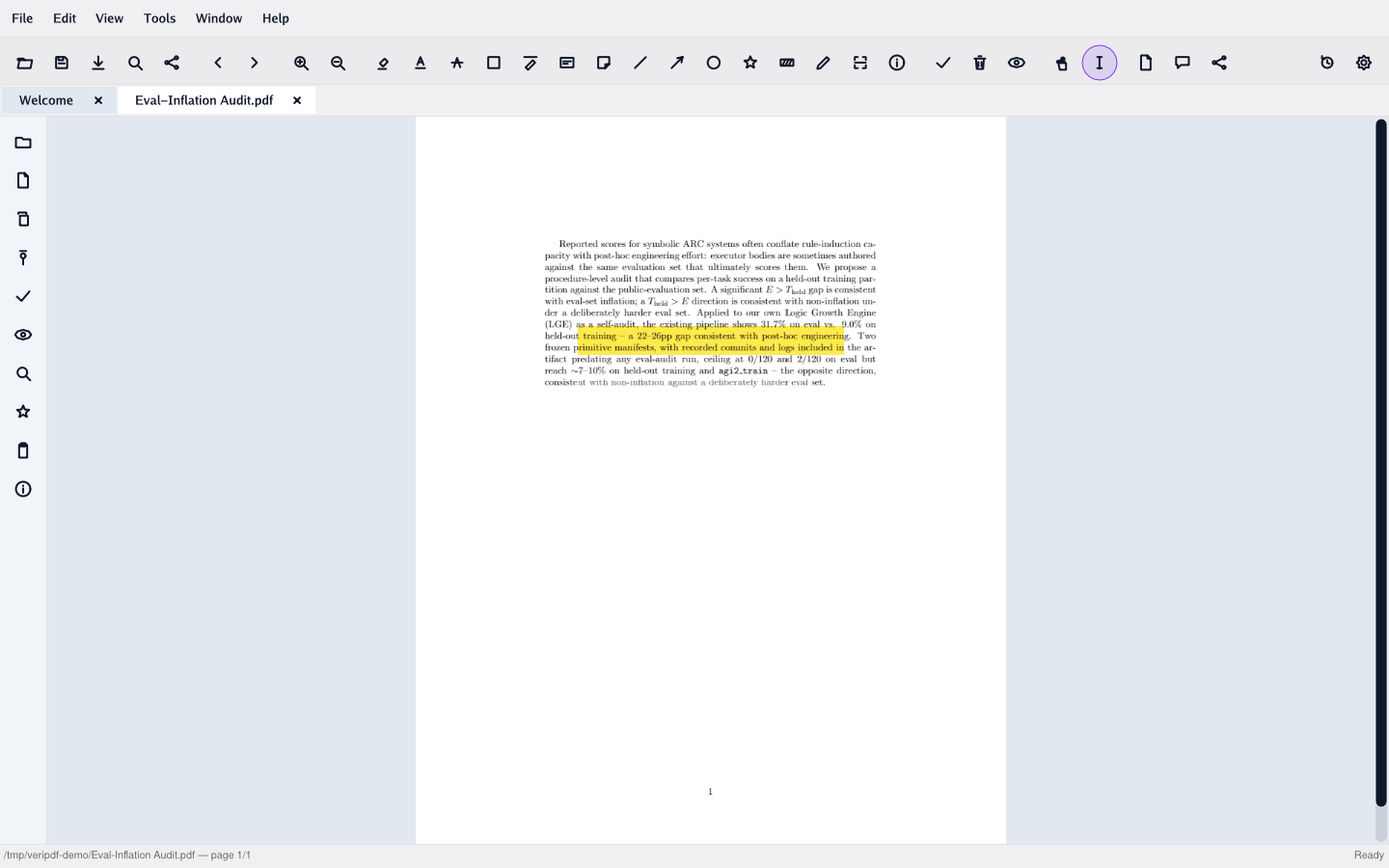
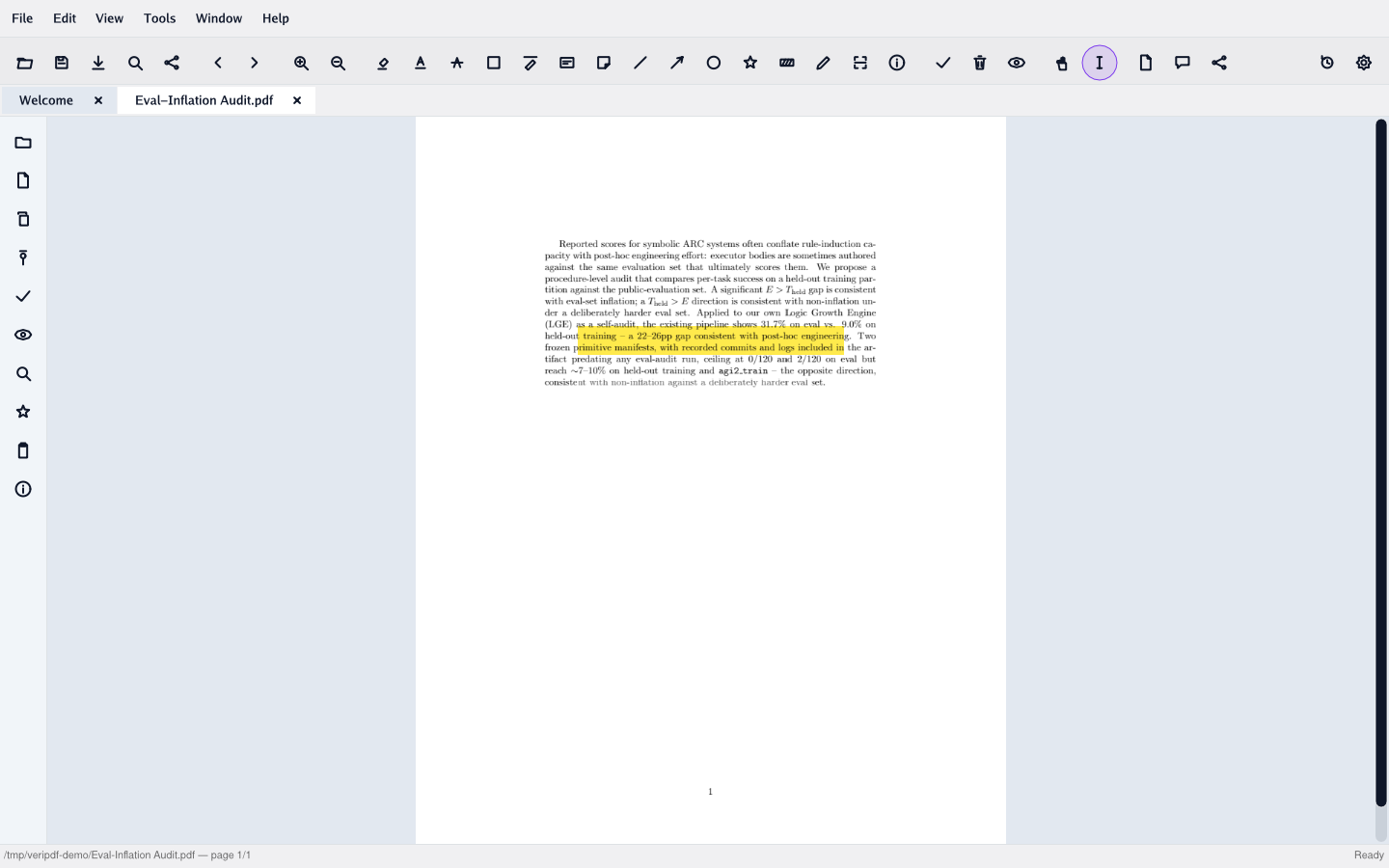
Highlight
Color-coded highlights over selected text
Underline & strikeout
Mark text without altering content
Free-text notes
Inline text annotations with editable contents
Shapes
Square and rectangle markup
Ink / freehand
Draw freehand annotations
Move, resize, delete
On-disk editing with handles, saved back to the PDF
04 / forms
Forms
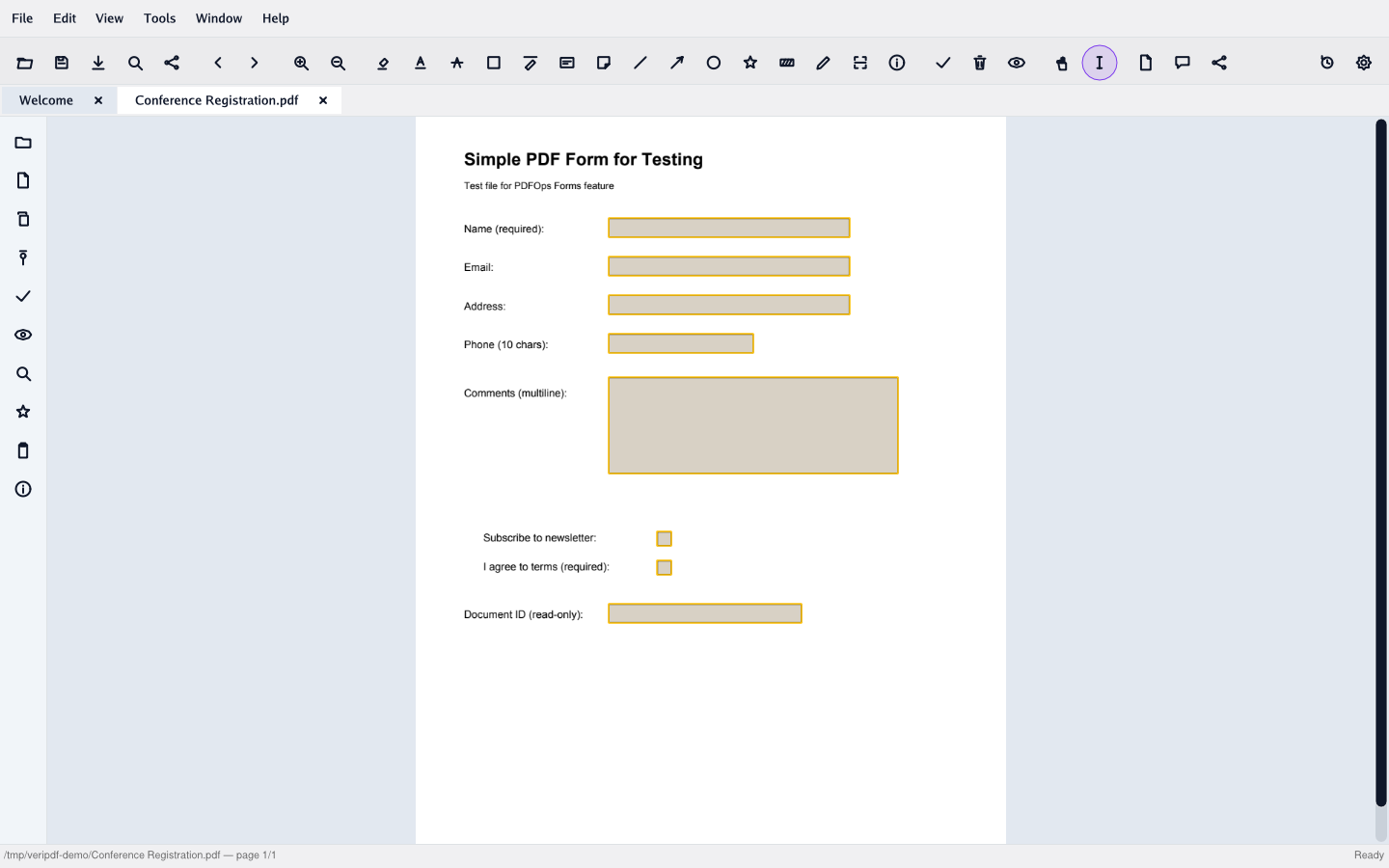
Fill AcroForm fields on the page
Text fields
Single and multi-line text entry
Checkboxes & buttons
Toggle controls with field flags respected
Dropdowns
Choice fields with popover option lists
Signature display
Read-only signature field rendering
On-page overlay
Fields positioned over the rendered page
CJK input
Full Unicode entry including Chinese, Japanese, Korean
05 / ocr
OCR
Local text recognition with PaddleOCR PP-OCRv6
PP-OCRv6 models
Latest PaddleOCR models — improved accuracy over v5
Bundled, zero setup
Models ship inside the app — no download, works fully offline from first launch
Runs on-device
ONNX runtime, nothing leaves your machine
Page-level recognition
OCR a page or document to extract text
CJK support
Chinese, Japanese, Korean recognition
Async with progress
coming soonNon-blocking OCR with progress reporting
Batch OCR
coming soonQueue multiple documents for recognition
06 / document production
Document production
Finish documents for delivery — finishing touches and legal-style numbering
Merge PDFs
Combine multiple PDFs into one document
Split PDFs
Split by page count or by page ranges, or per-page
Headers & footers
Add page-level headers and footers to every page
Text watermarks
Diagonal text watermark with opacity and rotation
Image watermarks
Stamp a logo across pages with scale + opacity
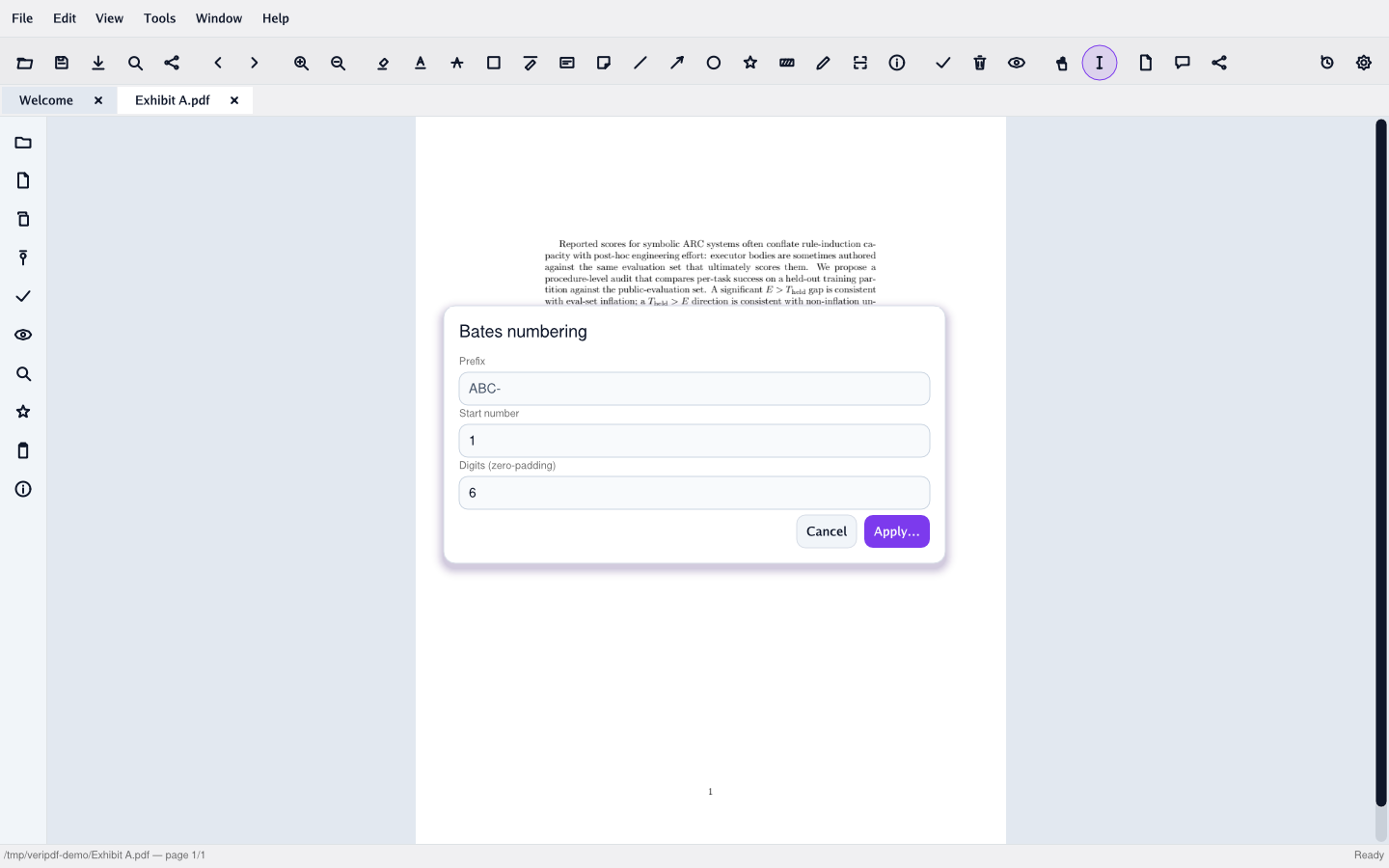
Bates numbering
Sequential prefix-padded numbering for legal documents
Markdown → PDF
Render Markdown to a typeset PDF for delivery
07 / security
Security & redaction
Password protection, permissions, redaction, and form data exchange
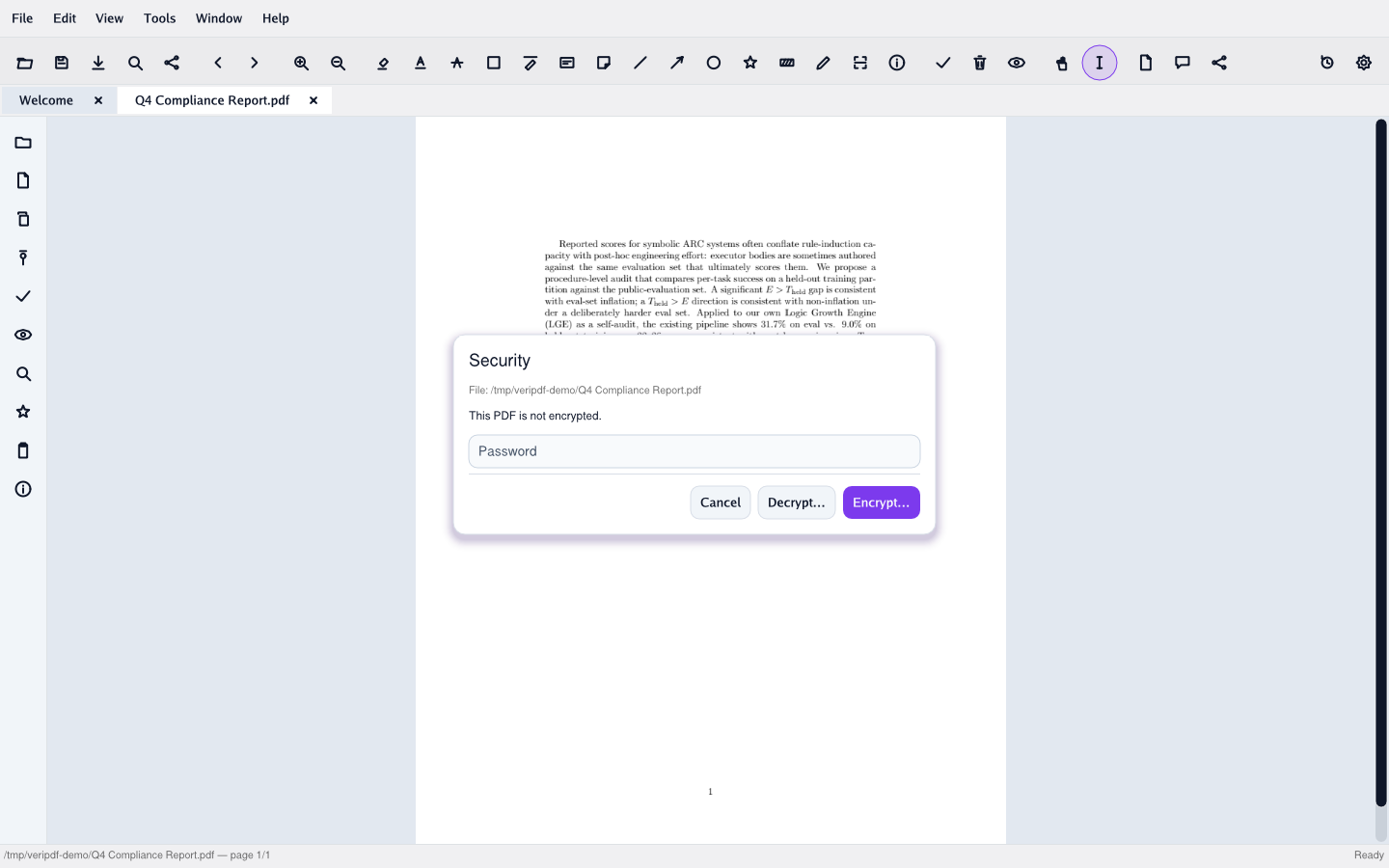
Password encryption
Add open + permissions passwords with AES
Password decryption
Strip protection from a PDF you can already open
Permission controls
Allow or deny printing, editing, copying, annotation
Redaction
Permanently remove content from the page
FDF export & import
Move filled form data between PDFs for archival or exchange
Invoice template extraction
Classify invoice templates and extract structured fields
08 / version control
Local version control
Track changes without uploading anywhere
Change tracking
Local history of edits
Side-by-side diff
Visual comparison between any two versions
Restore versions
Revert to a previous state
09 / markdown
Markdown & calendar
Daily notes with PDF-quality output
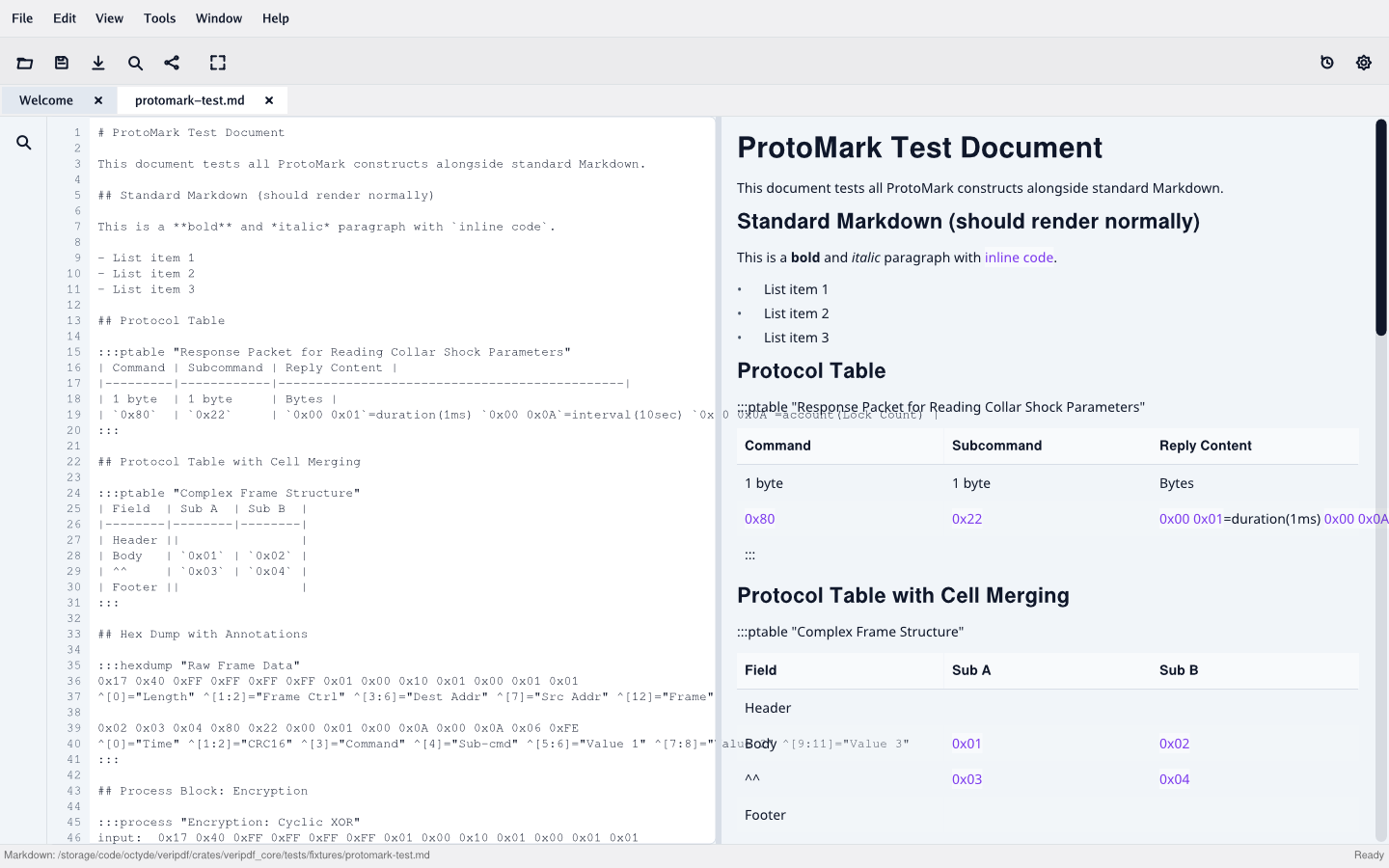
Markdown editor
Live side-by-side preview
Markdown → PDF
Render markdown to publication-quality PDF
Calendar view
Month grid with click-to-select date
Per-day markdown files
One file per date, opened on click
Per-day TODO list
Tasks attached to calendar dates
11 / cli
CLI for developers
The same binary, no GUI — for scripts, CI pipelines, and batch jobs
veripdf merge
Combine multiple PDFs into one
veripdf split
Split by page count or ranges
veripdf watermark
Text watermarks with opacity and rotation
veripdf bates
Bates numbering with prefix, padding, and start
veripdf encrypt / decrypt
Password + permissions (uses qpdf under the hood)
veripdf info / extract-text / ocr
One-shot inspection and text extraction
12 / roadmap
On the roadmap
Planned for upcoming releases — nothing here is in the current build
Office export
plannedPDF → Word, Excel, and PowerPoint
Typst templates
plannedTypst-based document templates
Batch processing
plannedQueue operations across many documents, including OCR
Team admin console
plannedShared templates and central license management
Digital signatures
plannedLocal-key signing with verification
Seal a document, then try to break it.
Download VeriPDF free — no account, nothing uploaded. Flip one byte in a sealed file and watch verification fail.